Add Transitions#
You can download and install transitions from the KDE Store[1], or uninstall previously installed transitions.
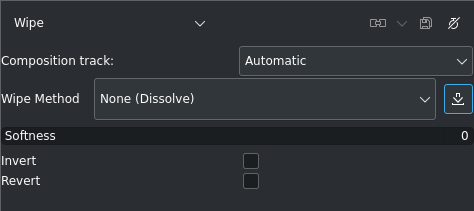
Composite Transition properties with the download button highlighted#
In the properties panel of the composite transition, click on the  Download button, and Wunjo opens a dialog window with the KDE Store contents of available wipes.
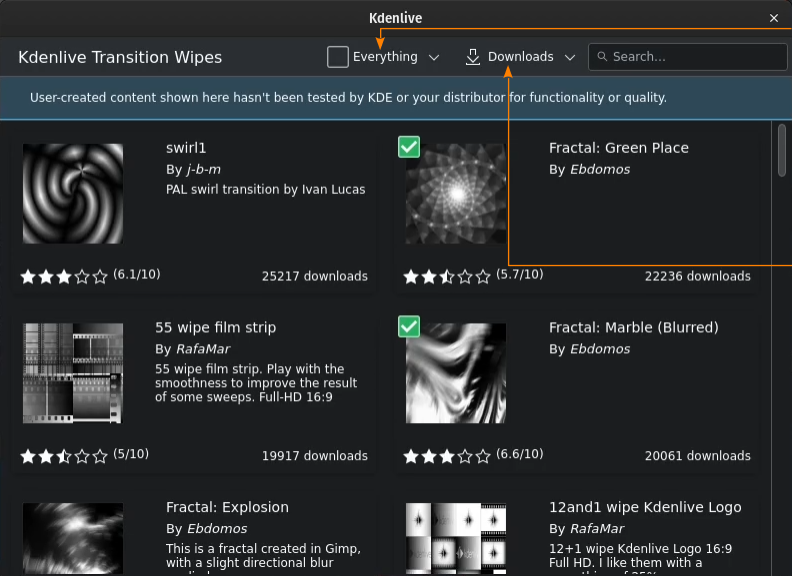
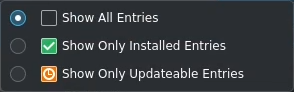
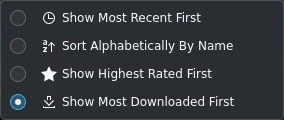
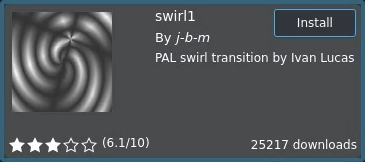
Transition Wipe ready to install#
Hover over the wipe you want to download and click the Install button.