Wunjo Make#
Wunjo Make is a free and open source video editor for Linux, Windows and macOS, with AI tools added through plugins and an assistant that edits alongside you. This manual covers version 3.0.1. Check out what’s new.
Wunjo Make is built on Kdenlive, and so is this manual. If you know Kdenlive, start with Differences from Kdenlive.
Getting started#
AI features#
- Installing plugins
Add plugins for faces, voices and lip sync
- Face and voice tools
Face Swap, Live Portrait, Lip Sync, Clone Voice, Separator
- Assistant
Edit by chatting, with a local model or your own agent
- Build a plugin
Documented in Wunjo Plugins
User Interface#
- User Interface
Introduction to Wunjo’s window system and widgets
- Project Settings
Setting the correct project values
- Key components
- Keyboard Shortcuts
Improve your workflow by using the keyboard
Workflow#
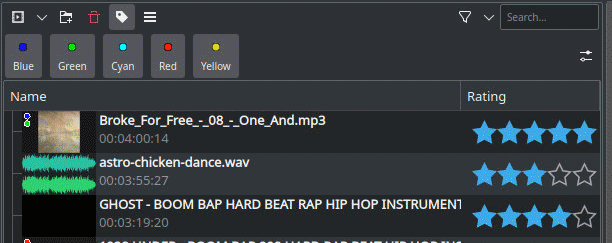
- Project and Asset Management
Load files into Wunjo and be prepared
Starting video editing
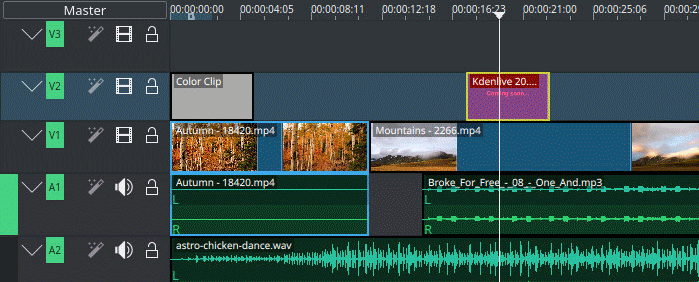
- Cutting and assembling
Start editing in the Timeline
See how the time line and the monitors are working
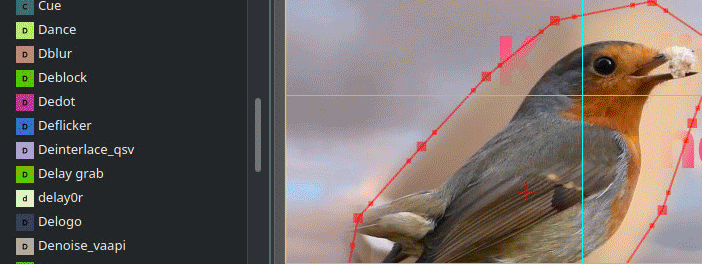
- Effects and Filters
Add video and audio effects and filters
Create Titles and Subtitles and use Speech to Text
Make color correction
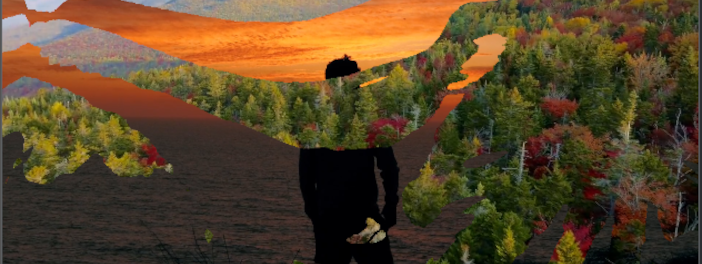
- Transitions and Compositions
Add transitions between clips to advance your story
Add artistic and aesthetic compositions

- Titles and Graphics
Add titles and graphics to your video
Integration with Glaxnimate for vector animations
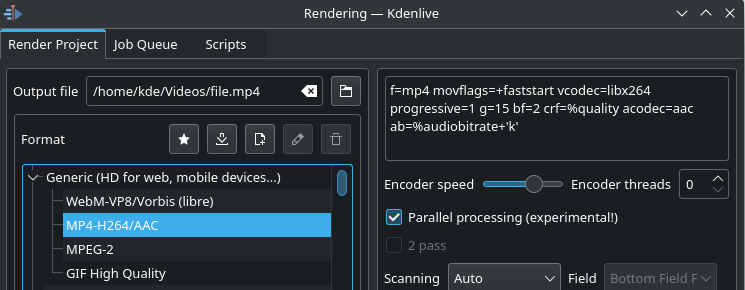
- Exporting
Render out your final video for distributing
Troubleshooting, Glossary, Get Involved#
- Troubleshooting
Solving specific Windows Issues
General problem solving
- Bug Reports
How to file a bug.
- Glossary
References and further information
- Get Involved
Contribute to this Manual